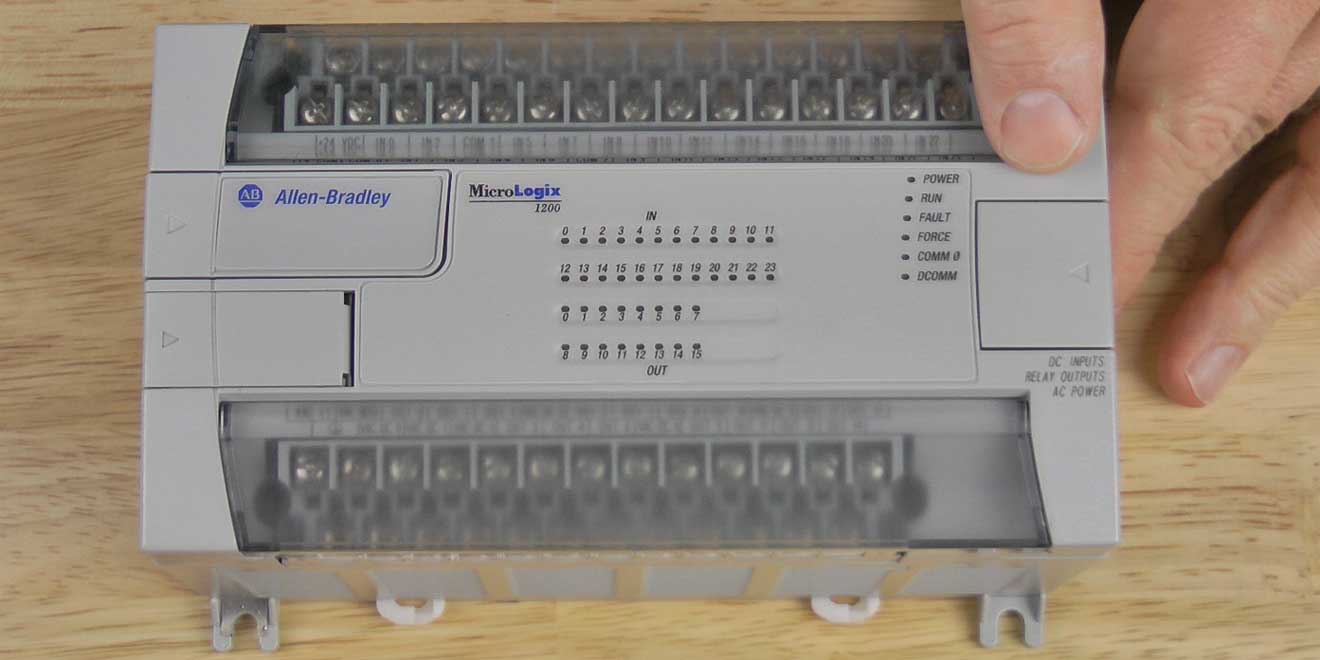
 The MicroLogix 1200’s base I/O can be expanded using 1762 I/O modules. In this article we’ll describe the details of how this is accomplished.
The right front of the MicroLogix 1200 has a small cover over top of a 1762 I/0 expansion port, and the first step in adding 1762 I/O to a MicroLogix 1200 is to power down the unit, and remove the cover.
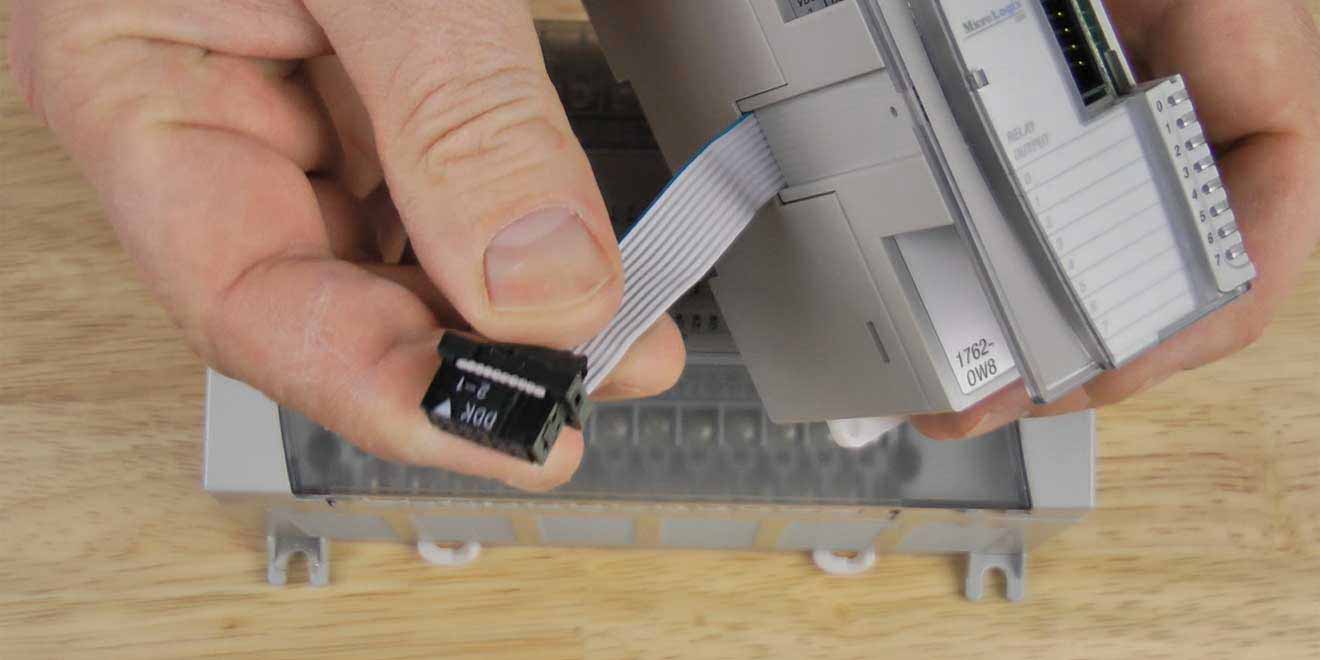 Next, you’ll find that your 1762 expansion I/O modules come with a ribbon cable and connector on the left side. Also on the front right of the expansion module you’ll find another small cover over the top of an additional expansion I/O port.
To install your 1762 expansion module, simply plug the ribbon cable connector into the MicroLogix 1200’s expansion I/O connector and replace the cover. Then, to connect additional 1762 expansion I/O modules, remove the expansion cover from the first module and plug the second module into it, replacing the cover when done.
Repeat this process until you have installed all your 1762 expansion modules, or have reached the power limit of the MicroLogix 1200’s expansion bus.
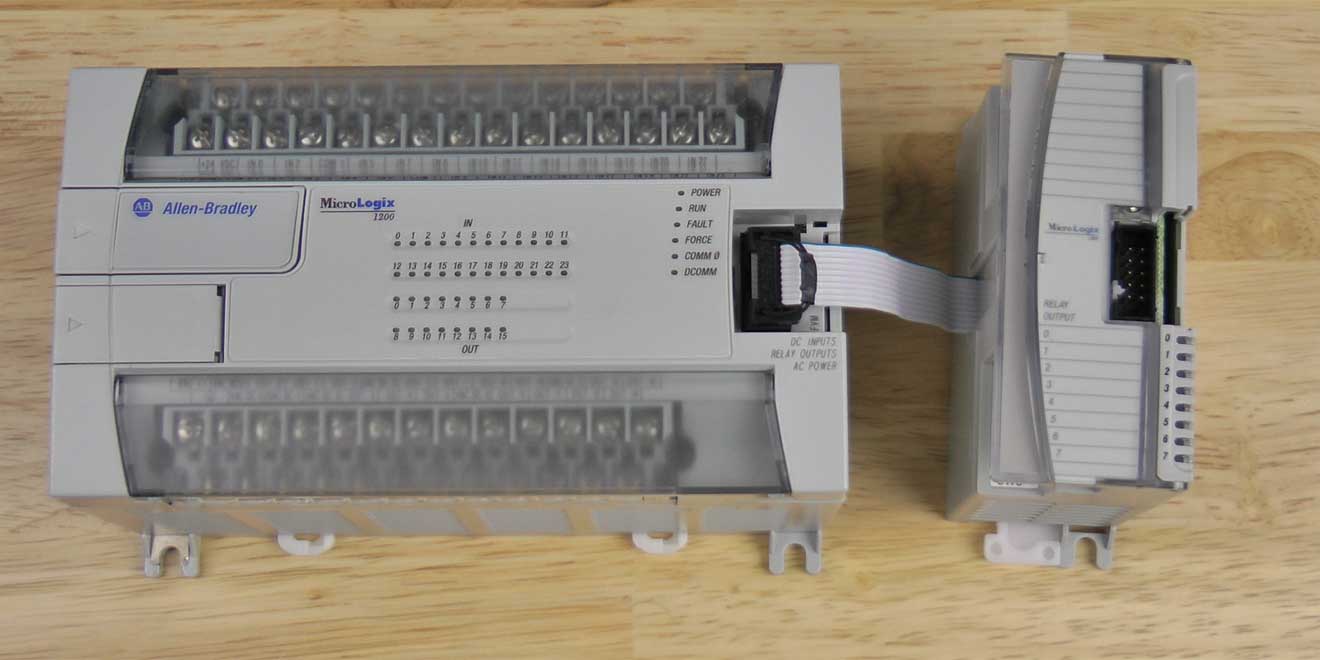 Because of the wide variety of expansion modules, each requires a different amount of power from the MicroLogix 1200. Due to this fact, the actual number of supported expansion modules on a MicroLogix 1200 is anywhere between 3 and 6 modules.
To aid in the process of calculating exactly how many modules can be added, Rockwell has developed an easy to 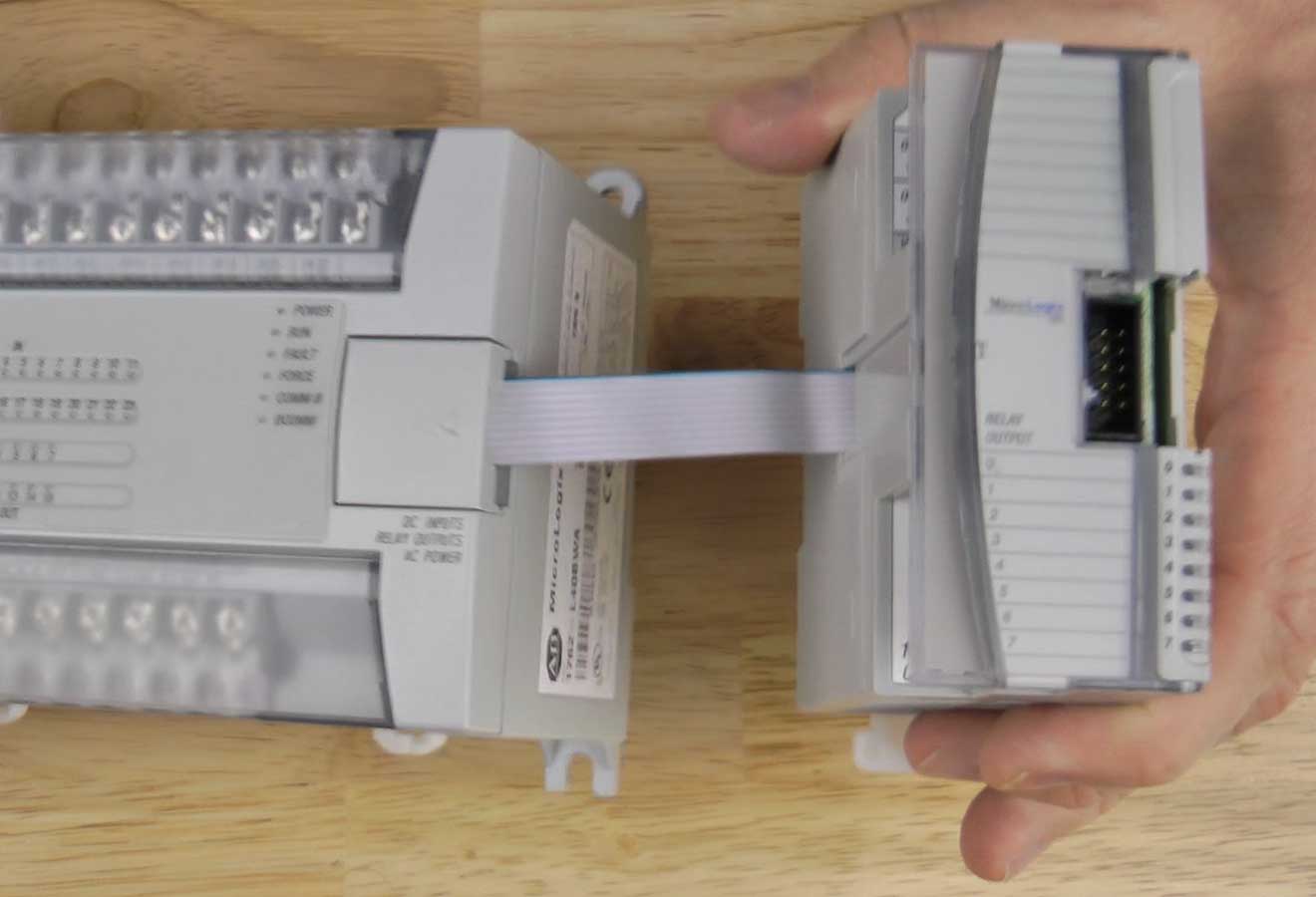 use spreadsheet to help qualify MicroLogix 1200 expansion I/O systems. This spreadsheet can be downloaded from Rockwell’s website using the below link:
Well, that’s it for today’s article about MicroLogix 1200 expansion I/O. For more information on the installation of MicroLogix 1200 expansion I/O, see the manufacturer’s installation instructions HERE.
And if you’ve have any comments, questions, or corrections, please feel free to fill out the “post a comment or question” for at the bottom of the page.
Until next time, Peace ✌️
If you enjoyed this content, please give it a Like, and consider Sharing a link to it as that is the best way for us to grow our audience, which in turn allows us to produce more content 🙂
Shawn M Tierney
Technology Enthusiast & Content Creator
Support our work and gain access to hundreds members only articles and videos by becoming a member at The Automation Blog or on YouTube. You’ll also find all of my affordable PLC, HMI, and SCADA courses at TheAutomationSchool.com.

- A.I. Tech Talk with Emil Soerensen of Kapa.ai (12/04/25) - December 4, 2025
- Innovation Summit Las Vegas 2025 Recap (P254) - December 3, 2025
- New Features of Ignition 8.3 with Travis Cox (S2E37) - December 2, 2025